When “AI will save time” becomes extra work
A familiar pattern shows up a few weeks after an “AI will save you time” launch: output is faster, but the job feels heavier. A rep drafts replies in seconds, then spends ten minutes fixing tone, checking facts, and pasting the result into three systems that don’t talk to each other. A coordinator uses a summarizer for meeting notes, then rewrites sections because the action items are wrong or missing owners. People start running “AI first” and “manual backup” in parallel because no one trusts the result yet, and the extra steps quietly become the new normal.
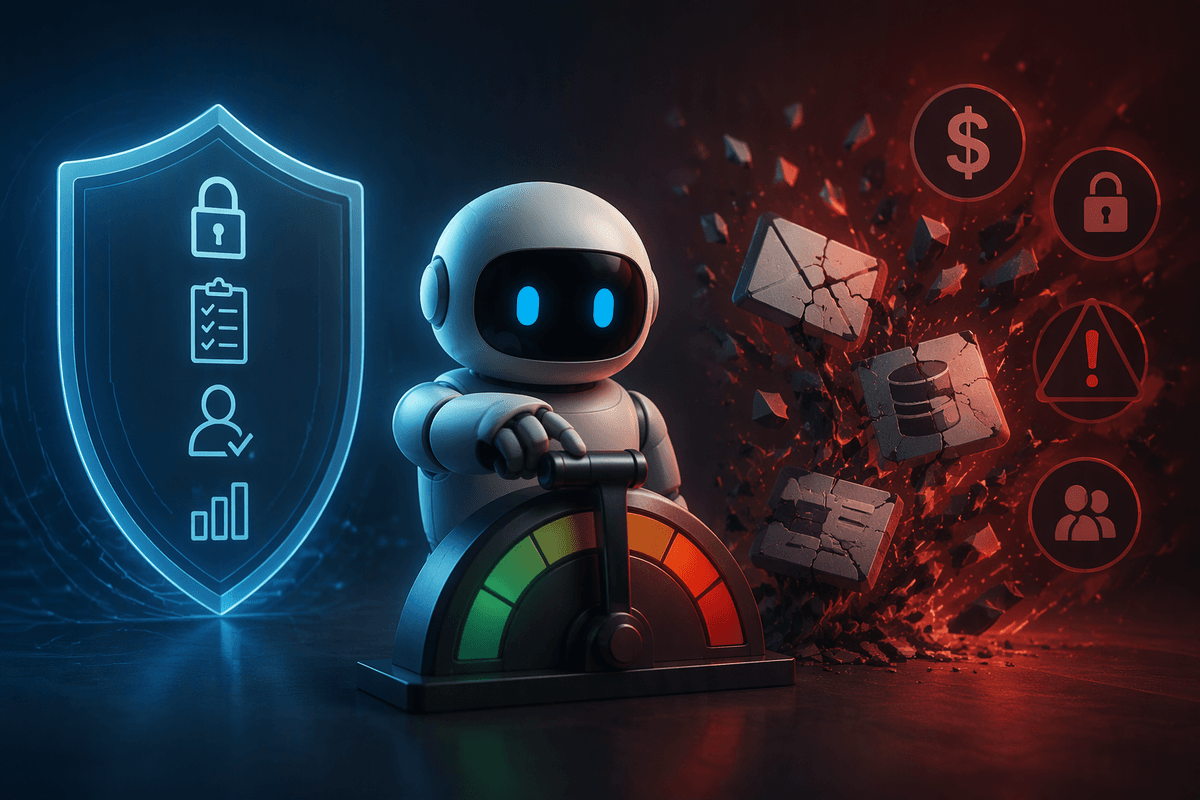
This isn’t because employees resist change; it’s because the work moved. Instead of doing the task once, they now manage prompts, validate outputs, track exceptions, and coordinate with teammates on what is “safe” to automate. Without clear workflow changes, decision rules, and time to learn the tool, AI becomes another layer to supervise. The cost shows up as rework, more handoffs, and more context-switching—exactly the kind of hidden labor that doesn’t appear on a project plan but hits daily capacity.
The early warning signs employees are carrying the AI burden
You can usually tell an AI rollout is shifting work onto employees when “quick tasks” start spawning side conversations. People ask in Slack what prompt to use, whether the output can be sent to a customer, or who is responsible if it’s wrong. Managers notice more “just to be safe” checks, extra approval steps, and longer time spent formatting, pasting, and reconciling differences across tools. Another giveaway is duplicate work: someone runs the model, then quietly rebuilds the same thing in a spreadsheet or a template because that’s still what downstream teams accept.
Watch for workload signals too: rising cycle time even when draft speed improves, increased QA/review queues, and more exceptions routed to the same experienced few. When your best people become full-time validators, the promised time savings are already being spent.
Where the extra work actually comes from
Advertisement
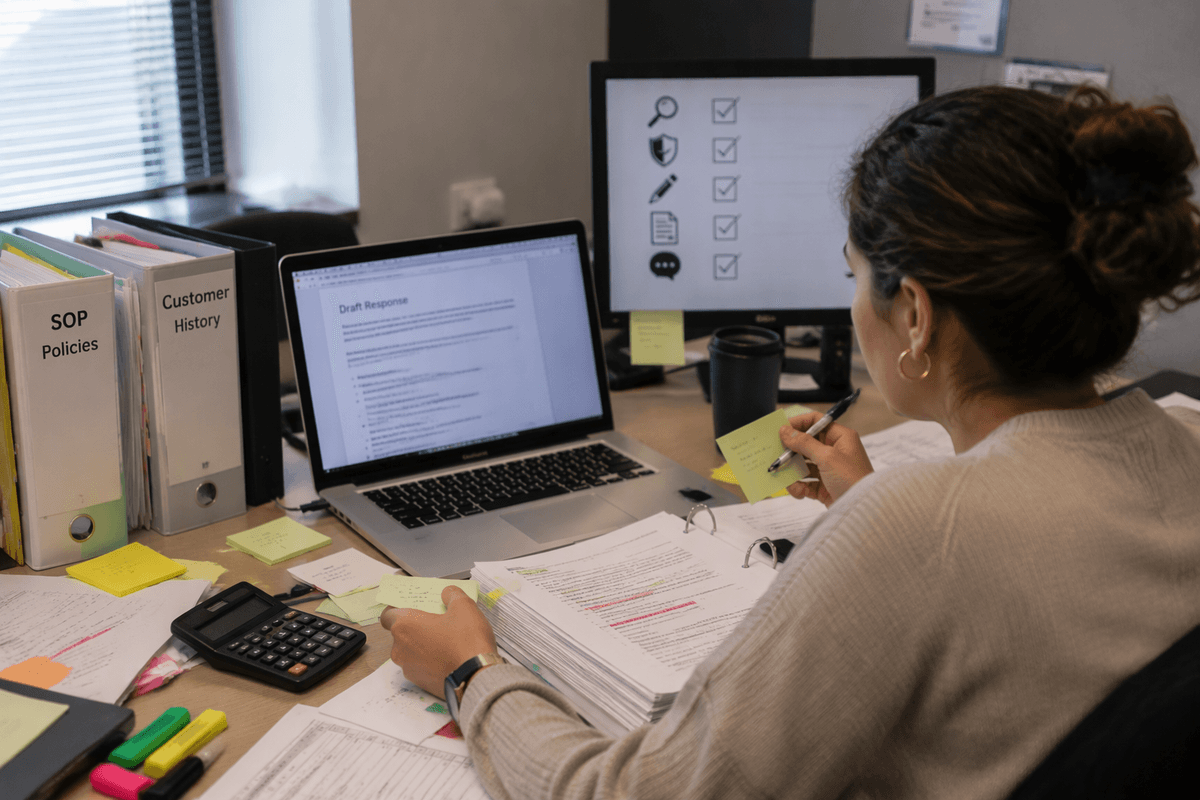
Picture a task that used to be “draft, review, send.” AI turns it into “draft, verify, adapt to policy, format, log, and explain.” The extra work comes from gaps the tool can’t see: missing context, fuzzy rules, and uneven inputs. If your templates, customer history, or SOPs aren’t easy to access in the moment, employees have to reconstruct them, then translate them into prompts. When the output is plausible but slightly off, it creates a new kind of cleanup: chasing sources, rechecking numbers, and rewriting to match your voice and legal constraints.
Downstream teams often still require the old artifacts—specific fields in a ticketing system, a signed-off version in a doc, a coded disposition in CRM—so people do both. Add unclear accountability (“who owns the final call?”) and you get parallel work, extra approvals, and more meetings to align on what “good” looks like.
Start with workflows, not tools: what should change?
A common mistake is treating the AI tool as the change, instead of treating it as a component inside a workflow that still needs redesign. If the current path is “request comes in → someone interprets it → work gets produced → someone approves → it gets logged,” decide exactly where AI is allowed to act and what changes hands afterward. Replace vague guidance (“use AI to draft”) with concrete steps: which inputs are required, what the “definition of done” is, which checks are mandatory, and what gets recorded for audit or learning.
Advertisement
Good workflow changes usually look unglamorous: fewer copy-paste points, fewer approvals, and clearer decision rules. It also means deciding what not to automate yet. If the output needs heavy judgment, sensitive data, or cross-system reconciliation, pushing it into AI too early just creates a hidden QA role for employees—time you’ll pay for every day until the workflow is simplified.
Data, access, and integration: the hidden implementation tax

A telltale rollout failure is when people can only get value from AI by feeding it data they shouldn’t have to hunt for. If customer context lives in CRM, policies live in a wiki, and exceptions live in email threads, employees become the integration layer: copying snippets, redacting sensitive details, and re-entering the “final” answer back into the systems of record. That manual stitching is fragile and slow, and it increases the risk of using stale or wrong information because the tool can’t reliably see the same source of truth every time.
The implementation tax shows up as permissions, connectors, and data cleanup work nobody budgeted. Someone has to decide what the model is allowed to access, how outputs get logged, and how updates to templates and policies flow through without breaking prompts. If you can’t answer “What data will it use, from where, and how will it write back?” you’re likely planning a daily copy-paste job for your team.
Advertisement
Roles, training, and support that reduce rework
The fastest way to create rework is to make everyone responsible for “using AI well” with no clear owner. Pick a role that owns the workflow, not the tool: who decides acceptable use cases, maintains prompts/templates, and updates the checklist when policies change. Name reviewers explicitly too—what must be checked, by whom, and when does a draft become “sendable” without a second pass. If accountability is vague, employees will add informal reviews and backup work to protect themselves.
Training should match the real work: short, role-specific examples, safe data handling rules, and a few “gold standard” outputs people can copy. Give teams a place to escalate edge cases and report failures, plus time to incorporate fixes. Otherwise your best operators become the unofficial help desk, and the organization pays for it through constant interruptions and inconsistent work quality.
Measure what matters: time saved vs time shifted
A rollout can look successful in dashboards because “draft time” drops, while total cycle time stays flat. The trick is that work gets shifted into review, reformatting, and coordination. Track end-to-end time per case (request to logged completion), not just time inside the AI tool. Break it into buckets employees recognize: prep inputs, prompting, validation, edits, approvals, system updates, and exception handling. If AI reduces one bucket but grows three others, you didn’t save time—you moved it.
Pair time measures with quality and rework signals: percent of outputs needing rewrite, average review queue time, number of escalations, and how often people redo work “manually to be safe.” This takes effort to instrument, and some teams will need lightweight sampling instead of perfect tracking. Even rough numbers can reveal whether you’re buying speed at the cost of more checking and more handoffs.
A practical path to AI adoption employees will thank you for
A path employees will thank you for starts small and concrete: pick one workflow with a clear “done” state, remove at least one handoff or copy-paste step, and define where AI is allowed to act. Lock in the inputs it can use, the checks that stay mandatory, and who owns updates when policies or templates change. Pilot with a real team, timebox learning, and fix the top three failure modes before scaling. Expect upfront cost in integration, training, and measurement—budget it—so the daily work actually gets lighter.