Why automation is reshaping “knowledge work” right now
Most “knowledge work” is built from small, repeatable moves: pulling numbers from familiar sources, reformatting slides, rewriting the same customer email with different names, or turning meeting notes into action items. Those steps used to be too messy for software unless someone built a custom tool, maintained templates, and enforced strict inputs. Newer AI systems can handle fuzzier inputs—plain language, incomplete notes, mixed formats—so automation can reach into everyday work without a long IT project.
That shift is accelerating because the economics and logistics changed at the same time: many tools are now cheap enough to try, fast enough to sit inside existing apps, and good enough to produce a “first draft” people will accept. The quality still varies, and the cost often moves from doing the work to checking it, documenting decisions, and managing risk when the output is wrong or sensitive.
Start by breaking your job into repeatable tasks
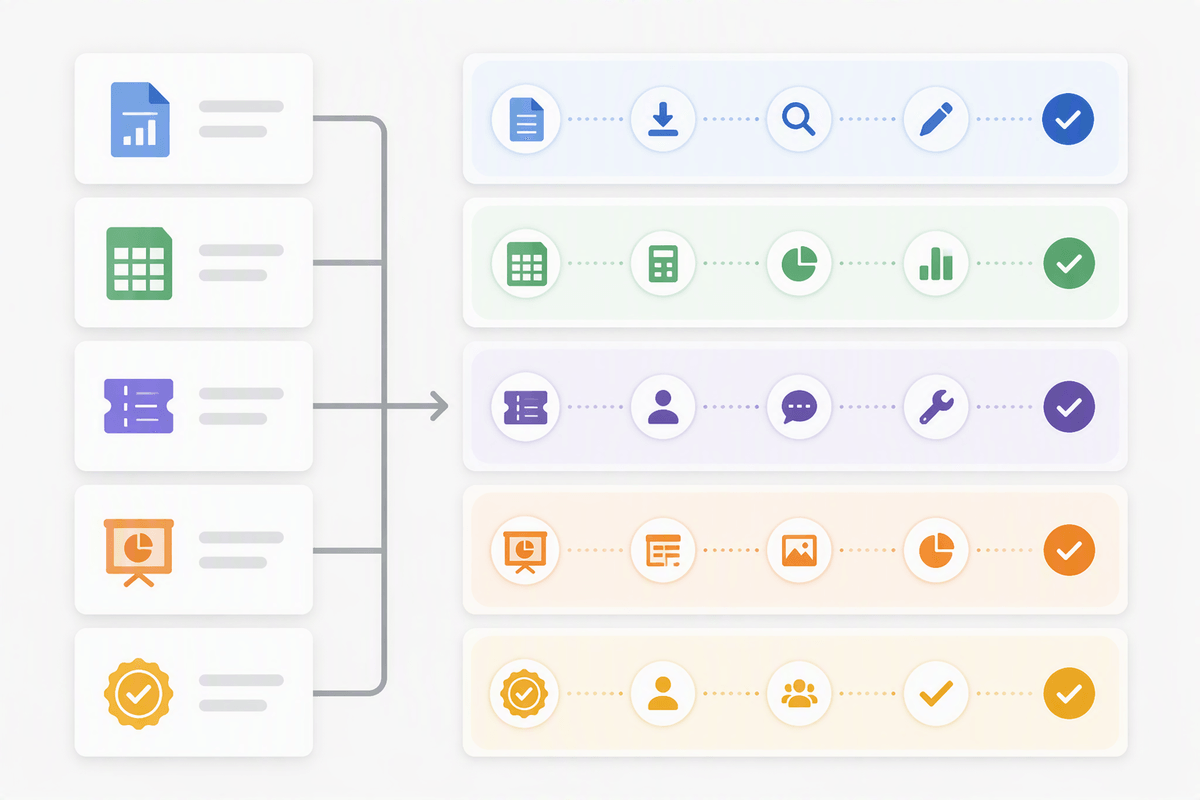
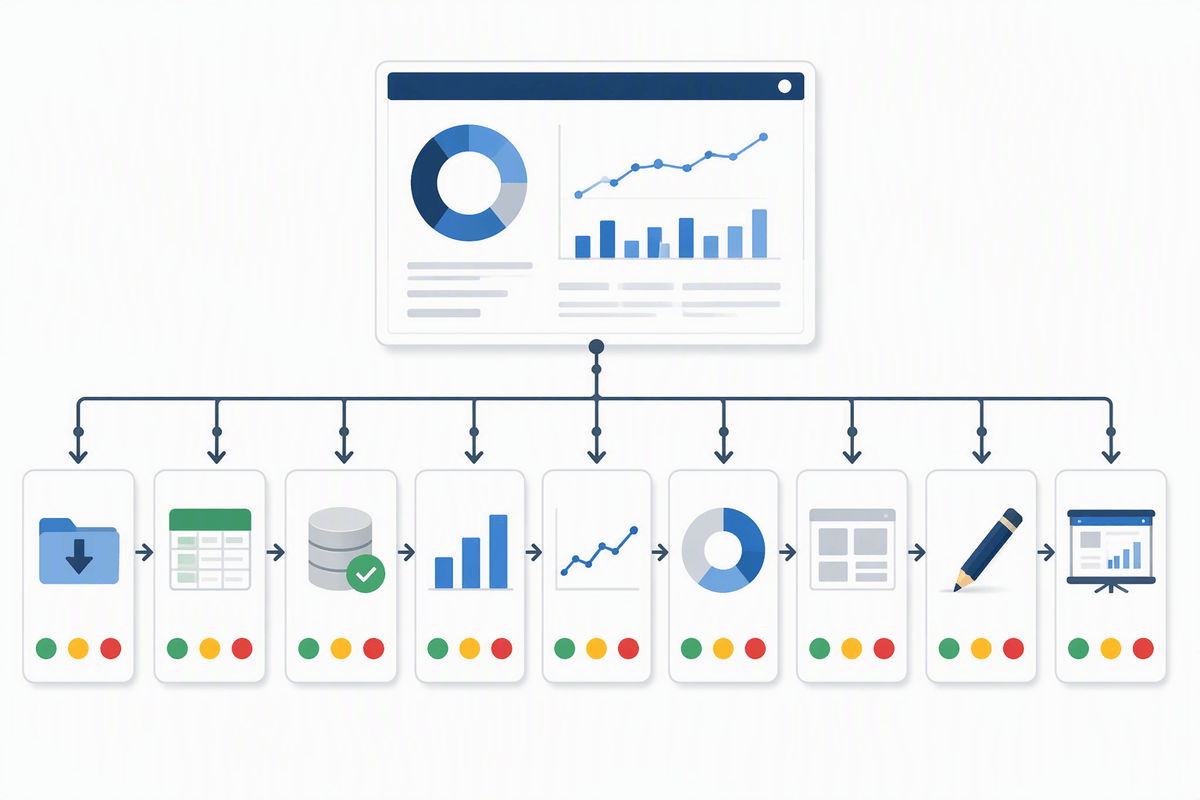
You can’t decide what to automate until you stop describing your role as a title and start describing it as a queue. Take a real week of work and list the outputs you’re responsible for—reports, plans, tickets, decks, approvals—then break each one into steps you could explain to a new hire. “Build the monthly KPI slide” becomes: pull data, check anomalies, write the takeaway, format the chart, send for review. That level of granularity is where patterns show up.
Then tag each step with three quick notes: how often it repeats, how much variation it has, and what the downside is if it’s wrong. High-frequency, low-risk steps are the first automation candidates. The practical catch is time: doing this inventory feels like extra work, but it prevents you from automating the wrong thing and spending months cleaning up avoidable errors.
Tasks automation handles well: draft, summarize, classify, route
Advertisement
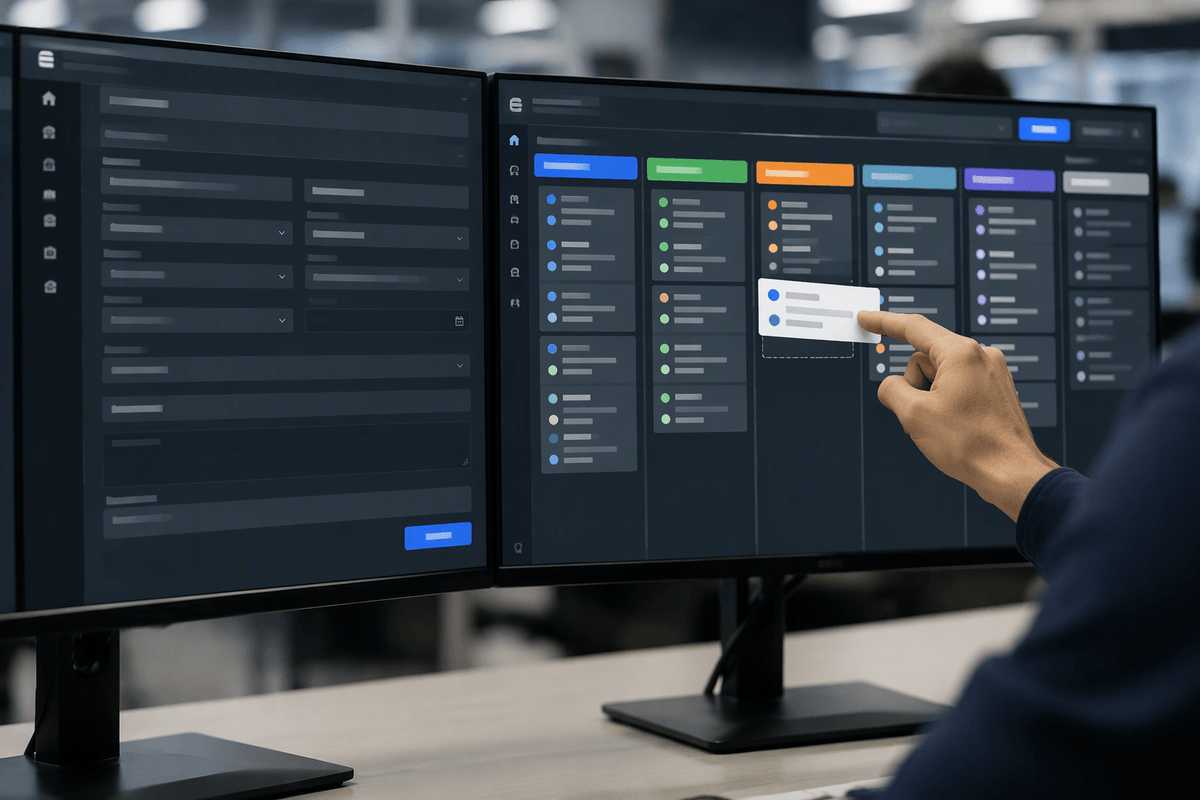
You see the payoff once you look at the steps that are mostly language handling rather than decision-making. Drafting is the obvious one: first-pass emails, job descriptions, project updates, QBR narratives, or a “strawman” plan you can edit. Summarization is close behind: turning meeting transcripts into action items, condensing long docs into a one-page brief, or extracting risks and open questions from a thread. Classification and routing are quieter but often more valuable in operations—tagging support tickets, sorting inbound requests by topic or urgency, and directing work to the right queue or owner.
These systems can be inconsistent with unusual inputs, sensitive context, or shifting definitions (what “high priority” means this month), so you still need spot checks, clear labels, and a simple escalation path when the automation isn’t sure.
Where humans still matter most: judgment, context, accountability
A polished draft does not necessarily lead to a sound decision. A model might produce three plausible positioning angles for a product launch, but the harder question is deciding which trade-off the business is willing to accept. Short-term conversion may come at the expense of long-term trust, and competing goals may leave one stakeholder’s priorities taking a back seat. Those choices depend on judgment: defining what “good” means for the situation, given the constraints and the consequences that follow.
Much of that judgment also depends on context that never makes it into the documentation. Teams accumulate practical knowledge about which metrics are only directional, which customers require extra sensitivity, what a regulator is likely to challenge, or which wording could trigger customer churn. These details may seem obvious to people inside the organization, yet an automated system has no reliable way to account for them unless they are made explicit. Capturing that knowledge takes time, and keeping it accurate requires ongoing attention.
Responsibility remains with people, too. When an AI-generated result affects money, individuals, or compliance, someone still has to approve it, explain the reasoning behind the decision, and deal with the consequences if the result proves wrong. Easier production does not remove that responsibility. As more work becomes automated, clear ownership and sound judgment become even more important.
Advertisement
Design the new workflow: human-in-the-loop vs human-on-the-loop
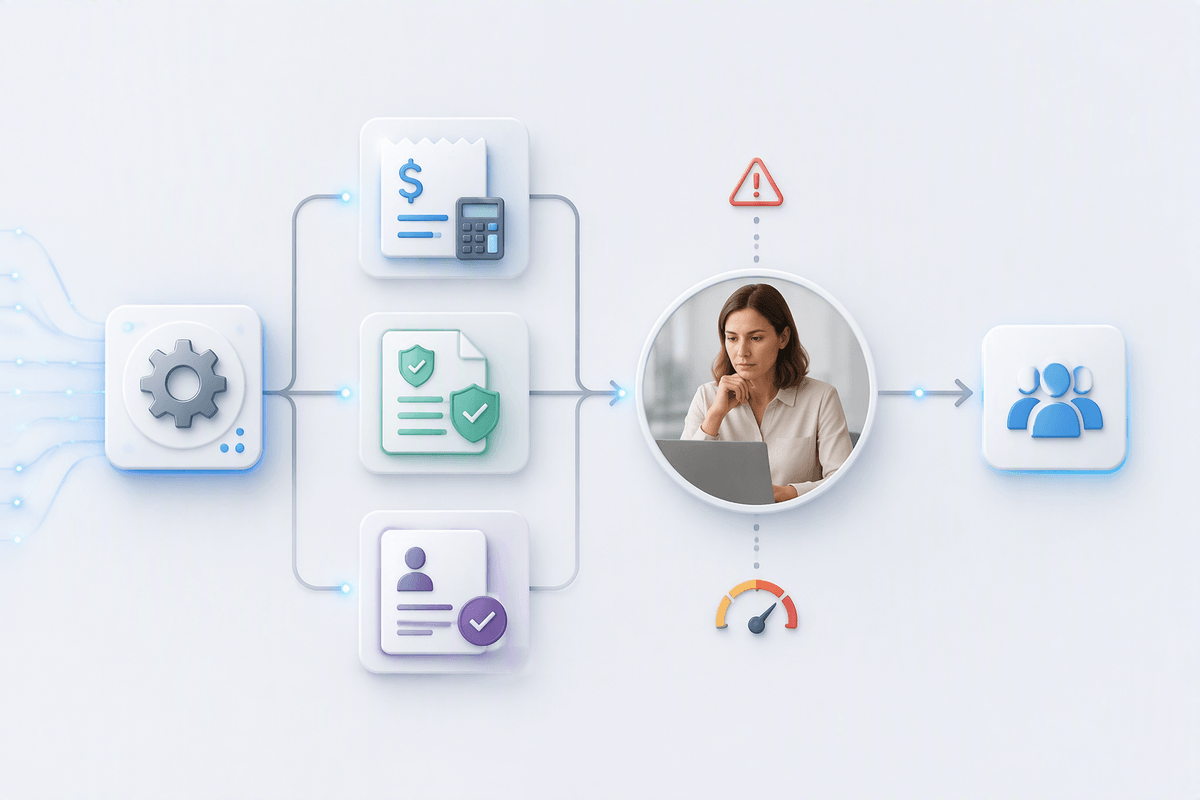
You notice the difference as soon as you try to “just automate it” and the work doesn’t feel done. Human-in-the-loop means the system drafts, routes, or recommends, but a person must approve or edit before anything becomes official—sending customer-facing copy, closing a finance ticket, updating a policy, or making a hiring decision. It’s slower, but it protects you when the definition of “correct” depends on nuance, stakeholder intent, or risk tolerance.
Human-on-the-loop is closer to supervision: automation runs by default, and people intervene through audits, thresholds, and exception handling. That fits high-volume, low-stakes flows like tagging inbound requests, summarizing calls into CRM fields, or producing internal status updates. The practical difficulty is operational, not philosophical: you have to build monitoring, decide what triggers review, and budget time for sampling. Without that, the workflow quietly degrades—small errors compound, and nobody notices until a sensitive case slips through.
New expectations for knowledge workers: specify, verify, document
You see the shift the first time you “get a good draft” and still feel uneasy hitting send. The new baseline skill is specification: giving the system enough constraints that the output is usable on purpose, not by accident. That means stating audience, goal, tone, required sources, and the definition of “done” (“include three options and the trade-offs,” “use FY2026 Q2 numbers only,” “flag anything uncertain”). Writing tighter prompts is part of it, but so is creating reusable checklists and examples that teammates can apply consistently.
Advertisement
Verification becomes the real work. Treat outputs like you would a junior analyst’s: spot-check figures, follow links back to the source, and sanity-test claims against what you already know. This takes time, and it can eat the savings if you don’t set boundaries on what gets automated. Documentation is the final expectation: capture what you asked for, what you changed, what sources you trusted, and who approved it, so decisions stay auditable when the output is questioned later.
Common failure modes: hallucinations, bias, leakage, overreliance
Many AI failures share the same basic pattern: the output looks convincing until someone checks the details. Hallucinations may take the form of fabricated citations, incorrect definitions stated with confidence, or plausible figures that have no basis in the underlying source systems. Bias tends to emerge more quietly. A system may fall back on stereotypes, give disproportionate weight to majority examples, or smooth language into a form that conflicts with the organization’s intent. Those problems become particularly consequential in areas such as hiring, performance evaluation, and customer segmentation.
Data leakage presents a different kind of operational risk. Sensitive material may end up in an inappropriate tool, prompts may be retained in shared logs, or generated summaries may be written into systems with a much broader audience than expected. The problem is not always a deliberate security failure. A workflow designed for convenience can quietly expand the number of places where confidential information is stored or exposed.
Human overreliance creates another weak point. Once AI produces polished output quickly, the pressure to move faster can make thorough checking feel unnecessary, especially for unusual cases. A draft gradually becomes a decision without receiving the scrutiny that decision deserves. The consequences extend beyond rework. When something goes wrong, unclear ownership makes it harder to determine why the system produced the result, who approved it, and where the process should have caught the mistake.
Choosing your human edge in an automated task landscape
You’ll feel the career anxiety most when your “core work” turns out to be a set of drafts, summaries, and status updates that a tool can produce in minutes. The practical move is to pick an edge that is hard to copy: owning a decision boundary (what you will and won’t approve), building the evaluation rubric others use, or becoming the person who can translate messy stakeholder intent into a clear spec the system can execute.
Then make that edge visible in the workflow. Volunteer to define review checklists, set sampling rules, and run postmortems when automation misses. Expect a trade-off: less time producing artifacts, more time doing uncomfortable work—saying “no,” escalating risk, and defending decisions with evidence. That’s where trust and seniority accumulate.