Why “multimodal” matters when tasks stop being text-only
You notice the gap the first time a “simple” support ticket arrives with a screenshot, a blurry label photo, and a voice note. A text-only model can summarize what the user says, but it can’t reliably point to the exact UI element, read the serial number, or catch the hesitation in the audio that signals confusion. Multimodal matters because real tasks mix evidence types, and the answer depends on aligning them: “this region of the image corresponds to this phrase,” or “this sound matches this event.” The trade-off is practical: processing images and audio raises latency, cost, and privacy surface area.
The hidden commonality: shared concepts across different modalities

You can often predict whether a multimodal system will help by asking a plain question: does it keep the same idea stable when the evidence changes form? “This is a cracked screen,” “this is a dropped call,” and “this is a missing button” are concepts that show up in text, pixels, and waveforms. The useful models build internal representations where those concepts land close together, so a user’s photo can correctly constrain the explanation you generate, and a short audio clip can change which troubleshooting step you choose.
That shared conceptual space is what makes transfer possible: a model that learned “progress bar,” “warning icon,” or “invoice total” from mixed data tends to need fewer examples to handle a new app, a new camera angle, or a different accent. The alignment is fragile at the edges—poor lighting, noisy audio, uncommon layouts, or domain-specific jargon can pull the modalities apart and produce confident but wrong matches.
One model, many inputs: how you package data changes results
Advertisement
A familiar failure mode looks like “the model saw it, but didn’t use it.” Often that’s not a capability gap so much as an input-packaging problem. If you paste a screenshot after a long conversation, the model may treat it as optional context; if you embed it next to the exact question (“Which toggle is off?”), you usually get tighter grounding. The same applies to audio: a transcript alone loses timing and tone, while raw audio without a task prompt can lead to vague summaries.
For real applications, treat multimodal prompts like UI design. Provide a short instruction, then the evidence, then the required output format. When you can, add lightweight structure: “Image A: checkout page,” “Region: top-right button,” “Audio: 8s clip.” The constraint is cost and latency: cropping, downsampling, segmenting video, or generating transcripts adds pipeline steps and failure points, but it often improves accuracy more than switching models.
Generalization vs specialization: where multimodal transfer breaks
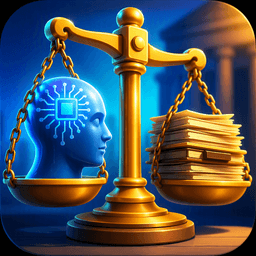
Transfer starts to break down once shared concepts give way to domain-specific rules. A general multimodal model may identify a thermostat, warning light, or fracture correctly, yet still miss the details that determine the right decision: the approved temperature range for a particular facility, the exact meaning of a manufacturer’s blinking code, or the distinction between a harmless imaging artifact and a pathological finding under one imaging protocol. General representations transfer across settings, but the boundary between an acceptable and unacceptable result is usually specific to the domain.
Specialized systems become more useful when the input range is narrow but the consequences of small errors are high. Tiny text on glossy packaging, ultrasound footage affected by motion blur, far-field audio in a factory, and UI screenshots built around custom icons all demand details that a broad model may handle inconsistently. In these cases, retrieval from manuals or policy tables, task-specific fine-tuning, and dedicated tools such as OCR, barcode readers, or timestamped diarization may provide a more dependable workflow than relying on one large model for everything. That setup does add operational overhead, with more components to monitor, more integration work, and additional points where a confident output may still be wrong.
Advertisement
Reasoning grounded in perception: not just seeing, but acting
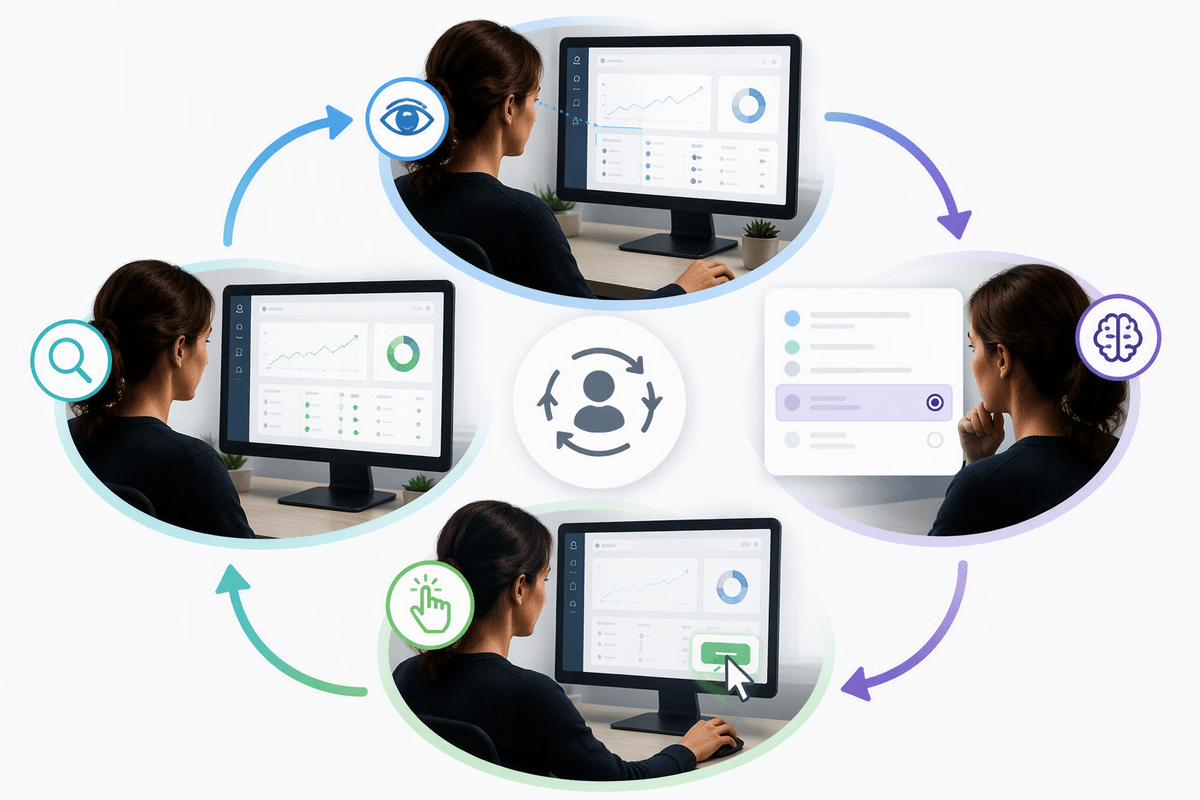
A common product surprise is that “it can describe the image” doesn’t mean “it can complete the task.” Describing a screenshot is passive; acting on it means turning perception into a decision you can execute: which button to click, which step to recommend, which part number to extract, or whether to escalate. The difference shows up when the model must keep track of constraints (“don’t reset, preserve data”), map language to a precise referent (“the second toggle under Notifications”), and commit to a verifiable output (coordinates, a UI element ID, a structured form field).
Grounded reasoning is easiest to validate when you force closed-loop behavior: ask for a plan, take one safe action, observe the new screen/frame/audio state, then continue. That pattern exposes whether the model is using the evidence or guessing from priors. The limitation is speed and cost: multi-step perception→action loops multiply latency, and you often need extra instrumentation (UI tree access, OCR, timestamps) to make actions auditable and reversible.
Evaluation that matches your task mix, not benchmark headlines
Advertisement
In practice, the mismatch shows up when a model that “wins” on a public leaderboard still fumbles your workflow: it captions screenshots well but can’t reliably point to the exact element, it transcribes audio but misses intent, or it answers confidently when the evidence is ambiguous. Benchmarks usually isolate one skill (VQA, OCR, ASR, chart reading), while products chain skills together under constraints like partial visibility, noisy inputs, and strict output formats.
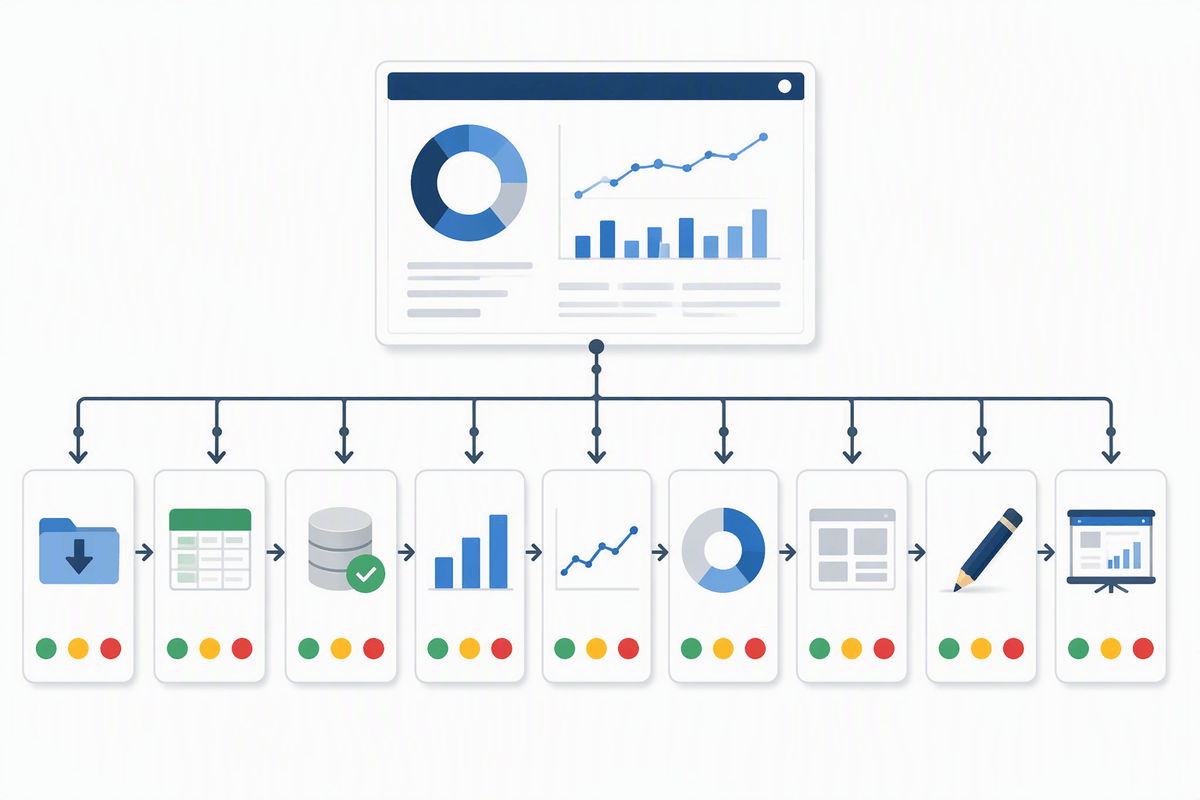
Build evaluation around your task mix: a small set of representative scenarios with the same packaging you’ll ship (cropped images, compressed video, real transcripts), and score the outputs you actually depend on (bounding boxes, extracted fields, tool-call arguments, step-by-step actions). Include “boring” failure cases—glare, motion blur, overlapping speakers, uncommon UI themes—and track calibration: how often low confidence truly means “ask a human.” This kind of test set is expensive to label and maintain, but it exposes regressions earlier than headline numbers.
Operational factors: latency, cost, safety, and data governance
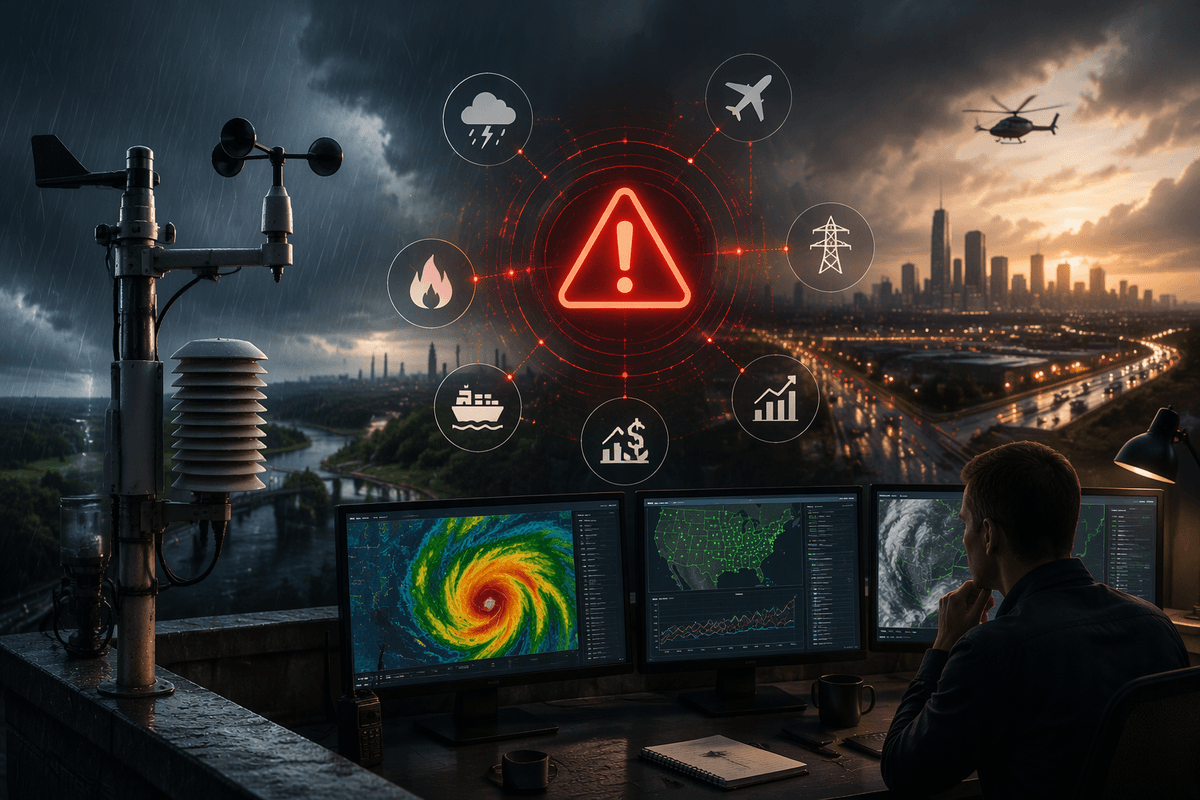
You feel the operational drag when a “works in a notebook” multimodal flow hits production: every extra artifact (image resize, video sampling, ASR, OCR, region proposals) adds milliseconds, queues, and new failure modes. Latency is rarely just the model; it’s upload time, preprocessing, and retries when an upstream service times out. Cost behaves similarly: token-like pricing plus per-frame or per-minute media processing can make “always look at everything” unaffordable, so you end up budgeting attention—crop first, sample fewer frames, or run a cheap detector before the expensive reasoner.
Safety and governance are the other hidden constraints. A model that can interpret screenshots may also ingest secrets, faces, and regulated data, so you need redaction, retention limits, and audit logs, not just “don’t store prompts.” Guardrails must cover multimodal-specific harms: misreading medication labels, overconfident identity claims, or hallucinated citations from an image. The practical reality is that adding filters, human review, and provenance tracking slows the system down, but it often reduces incident risk more than squeezing a few points of benchmark accuracy.
A practical checklist for choosing a multimodal model
A practical selection checklist is less about “best model” and more about fit. Can it reliably bind words to evidence (regions, timestamps) and produce auditable outputs (boxes, fields, tool arguments) on your real media, not curated samples? Does it stay calibrated under shift—glare, compression, accents, new UI themes—so “uncertain” triggers a fallback instead of a confident guess? Measure end-to-end cost and latency with your full pipeline (upload, ASR/OCR, retries), then decide where specialization or tools outperform generality. Finally, verify governance: redaction, retention, logging, and multimodal safety filters that match your risk profile.